How to Prepare Your "Ready to Print" File in 3 Simple Steps
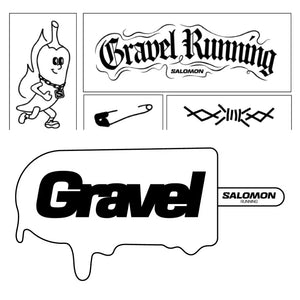
Start with a clean page template (like an A4 sheet). Place your logos or designs onto the page. Make sure your source images are crisp and high-quality—if an image looks blurry on your phone or screen when you zoom in, it will print blurry.
Arrange your individual designs on the page to fit as many as you can. Double-check your layout: ensure there is a small gap between each design so they can be cut out easily, and leave a clear 5mm border around the very edge of the page.
Once you are happy with the layout, export or save your file directly as a PDF (if using Canva, select "PDF Print"). Avoid dropping images into programs like Microsoft Word, as they lower image quality and shift text around.